
Word Counter
Use our free Word Counter to quickly count the number of words in any text. It is useful for students, writers, bloggers, marketers, and anyone who needs to meet a specific word limit. Simply paste or type your text into the tool to get an instant word count, free and with no sign-up needed.
Word Counter
Enter or paste your text below to count words, characters, sentences, and paragraphs.
Words
0
Characters
0
Characters Without Spaces
0
Sentences
0
Paragraphs
0
More Text Tools
Need to work with text more easily? Explore our free text tools to format, clean, count, and transform your content. Choose the tool you need and get the results in just a few clicks.
How to Use the Word Counter
Paste your text into the tool and it will automatically calculate the number of words. You can edit your text and check the updated count instantly, without pressing any button.
The results update as you type. Clear the box with Clear Text whenever you want to start again with new text.
What Is a Word Counter?
It is an online tool that counts the words in a text. It can help you check assignments, articles, blog posts, essays, social media content, and other written material. Many websites, schools, and platforms have specific word limits, so checking your word count before submitting or publishing can help you stay within those requirements.
The idea of a word count is older than the web — you can read a short introduction to it on Wikipedia.
Why Use a Word Counter?
It saves time compared with counting words manually. It is useful for checking writing length, meeting assignment requirements, preparing articles, and keeping content within a target word limit.
It can also help writers monitor the length of their content while editing, so a draft does not grow too long or stay too short for its purpose.
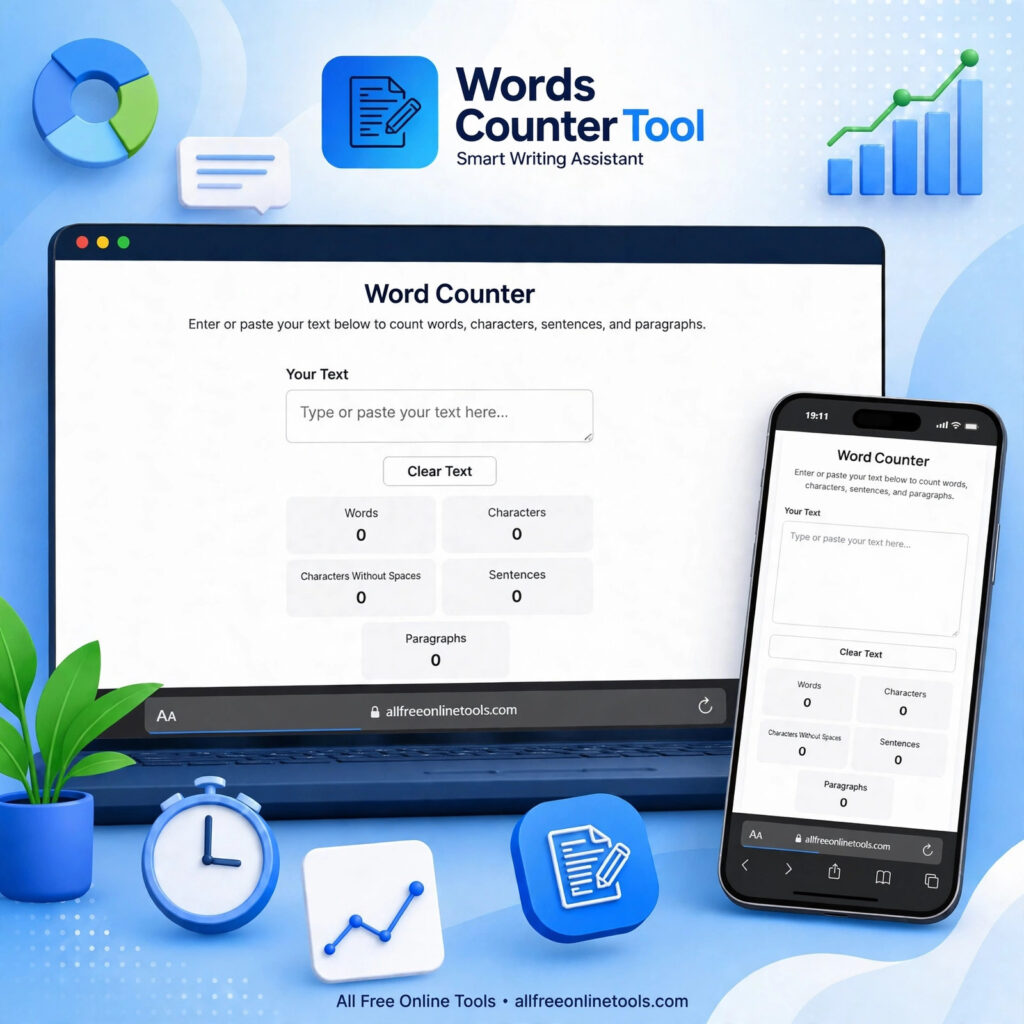
What It Counts
This tool counts more than words. It shows words, characters, characters without spaces, sentences, and paragraphs, all at the same time. That makes it a useful characters counter as well as a word checker: you can see the full length of a text in one view.
Use the character count tool when a limit is given in characters, not words — for example, for a bio, a headline, or a post with a character limit. Our online character counter is a separate tool for that job, with the same free, no-sign-up use.
Sentences and paragraphs are counted too. That helps when you want to check the flow of a piece, not just its length. Our sentence counter is a separate tool if you only need to count sentences.
For Essays, Articles and Social Media
As an essay word counter, it is made for school and university work. Paste a complete essay into the tool to check its word count before you hand it in, and edit until it fits the limit your teacher set.
Bloggers and marketers use it the same way for articles and posts. A clear length target makes editing easier, and an instant count means you do not have to guess or count by hand.
It also works for social media, captions, and short posts. Paste text from Google Docs or any editor into the tool — it counts what you paste, wherever the text was written.
Frequently Asked Questions
It is an online tool that counts the number of words in a piece of text.
It analyzes the text you enter and counts the words automatically, as you type.
Yes. Paste your complete essay into the tool to check its word count.
Yes. It is useful for checking the length of blog posts and articles.
Word counting and character counting are different measurements. The tool focuses on the number of words.
Yes. Students can use it to check whether their assignments meet required word limits.
Yes. Copy text from Google Docs or any editor and paste it into the tool.
Yes. It is free to use, with no sign-up needed.
Check Your Words Now
Check the length of your text in seconds. Paste your content, get an instant word count, and make sure your writing meets the required limit. Explore more free tools in our Text Tools collection.